Registration & Login
Registration & Login
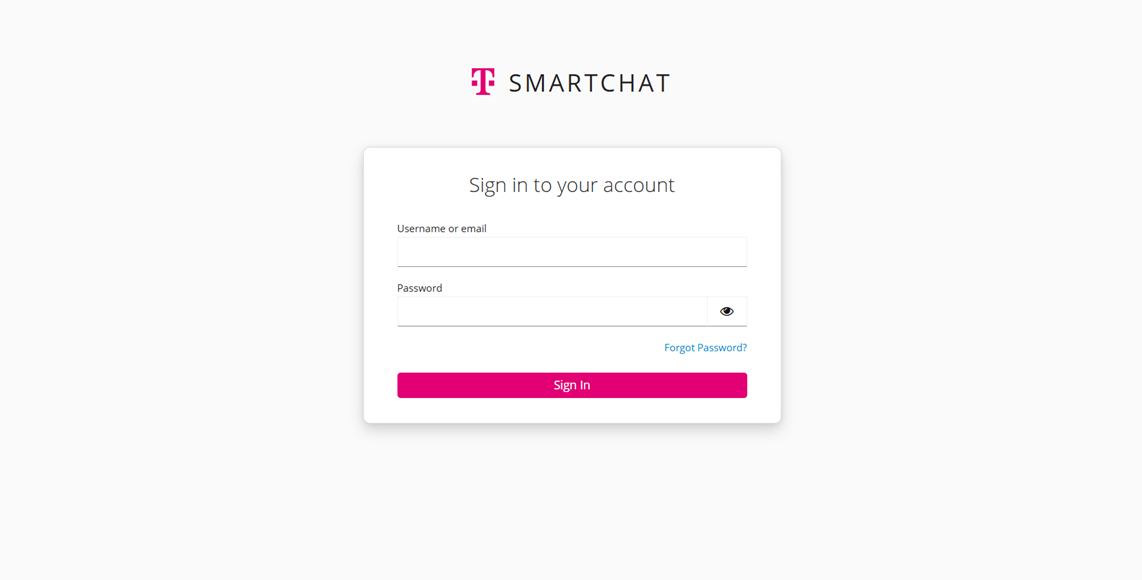
Section titled “Registration & Login”If available, please log in using your company’s Single Sign-On (SSO). Otherwise, follow the instructions below.
Registration
Section titled “Registration”Your account is created when an Application Owner or the Owner of your Space adds you as a member. You will receive an email with a verification link. Please check your email and use the “Forgot Password” option to create a new password. Your new password must contain at least 16 characters.
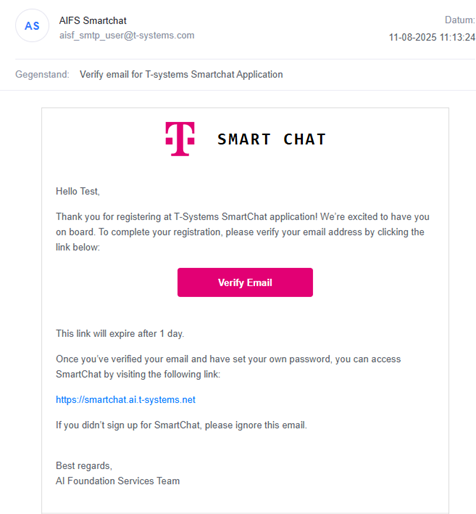
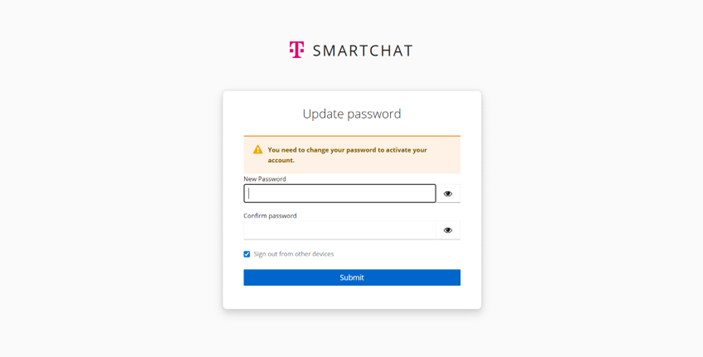
Open the login link provided in the welcome email you received. Then log in with your email address and password, or use your company SSO.