Agent Mode Settings
Two settings decide how Agent Mode behaves: the mode new chats start in, and whether agents may use the web. Application Owners set both for the whole instance; Space Owners can then adjust them for their Space.
For the whole instance
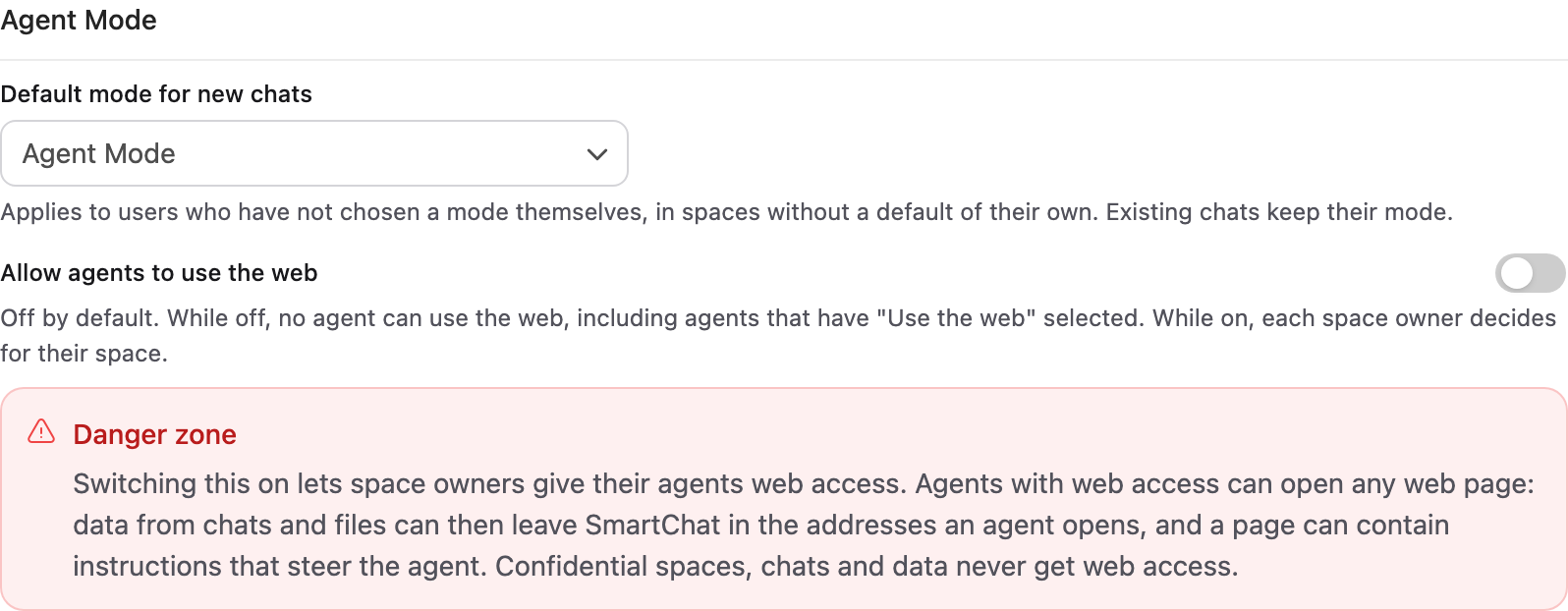
Section titled “For the whole instance”Application Owners find them under Interface → Agent Mode:
- Default mode for new chats: whether a new chat starts as a regular chat or in Agent Mode. It applies to users who have not picked a mode themselves, in Spaces without a default of their own. Existing chats keep their mode.
- Allow agents to use the web: off by default. While it is off, no agent can use the web, including agents that have Use the web selected. Switching it on asks for confirmation and lets each Space Owner decide for their Space. For My Space, the Application Owner decides.
For a Space
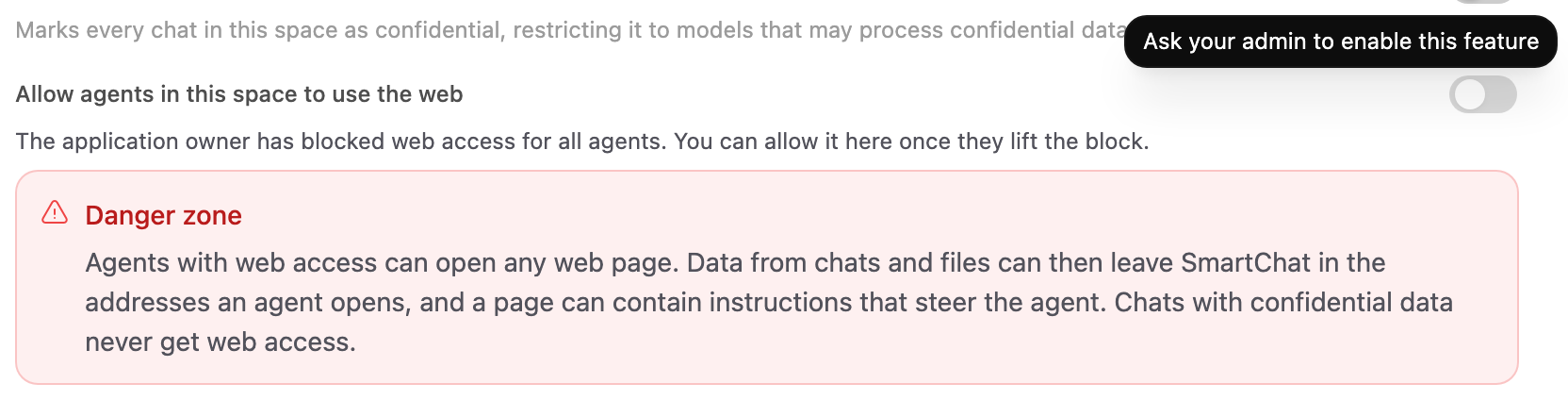
Section titled “For a Space”Space Owners find them in the Space Settings:
- Default mode for new chats, on the Models page: the mode a new chat in this Space starts in, for members who have not picked one in this Space themselves. Use the application default follows the instance setting above.
- Allow agents in this space to use the web, on the Space page: lets the agents of this Space use Use the web when they have it selected. It is off by default, asks for confirmation, and can only be switched on once an Application Owner allows web access for the instance.