
Custom Agents
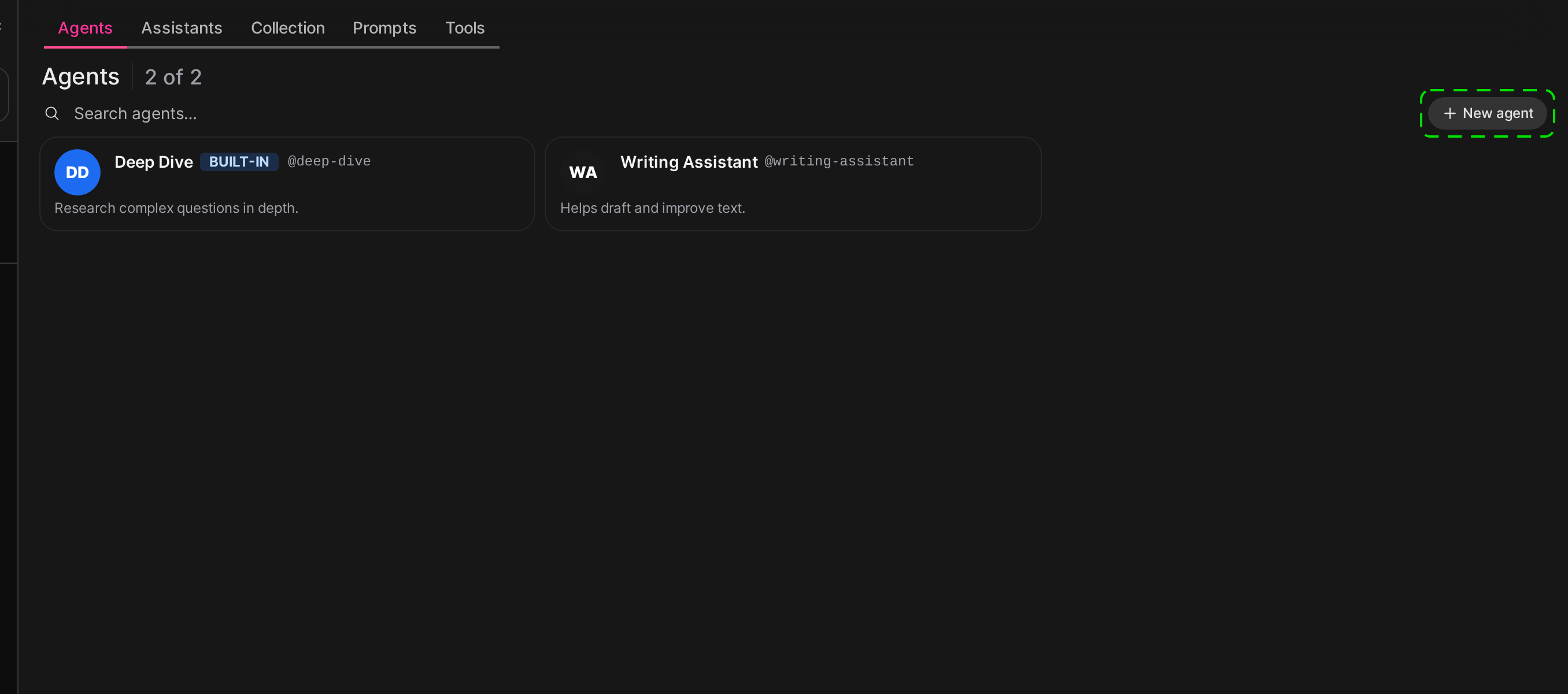
Besides the agents that come with Smartchat, you can build your own agents in Workspace → Agents → New agent, with their own instructions, example prompts and connectors. Building custom agents is only available where the operators of Smartchat have enabled it for you.
Permissions
Section titled “Permissions”Two permissions control custom agents:
| Permission | Where to find it | Allows |
|---|---|---|
| Agent Management | Workspace Permissions | Building, editing and deleting custom agents. Without it, the Agents tab does not appear in the Workspace. |
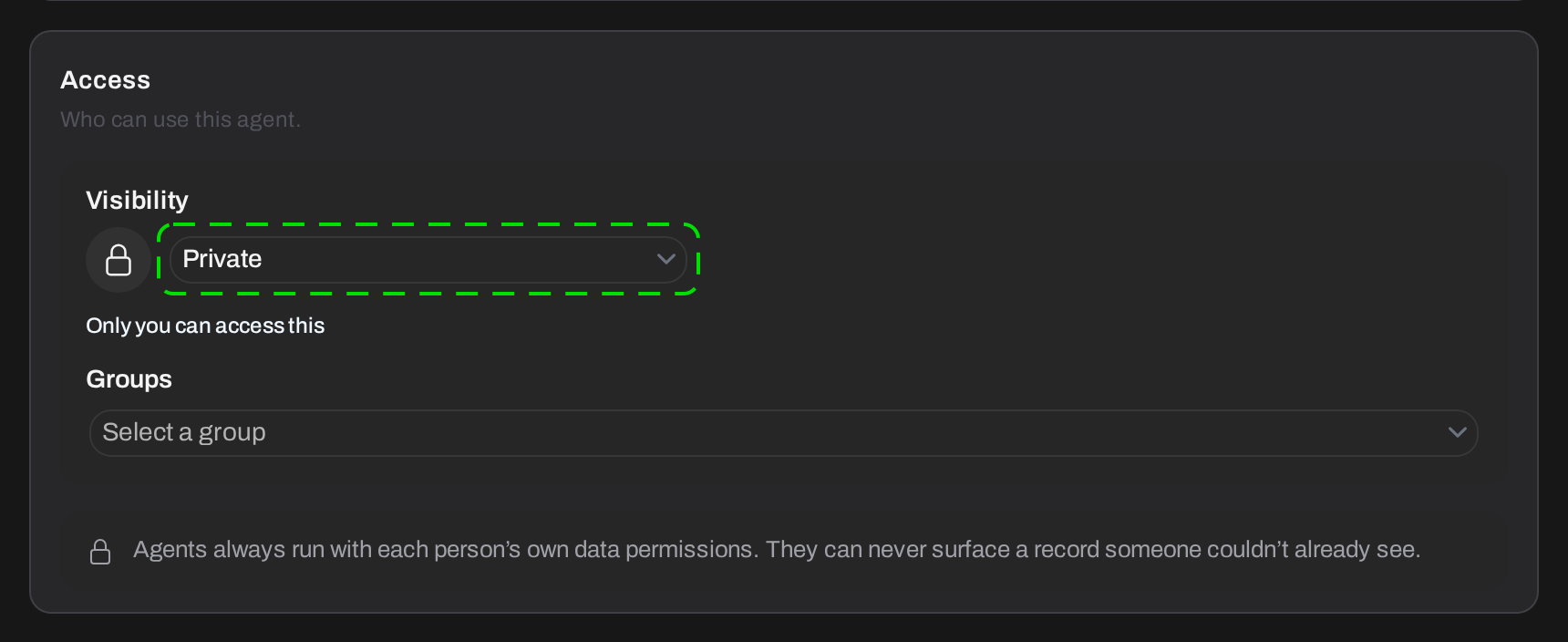
| Agents Public Sharing | Sharing Permissions | Making an agent available to everyone in the Space. Sharing an agent with specific groups does not need this permission. |
Both permissions are off by default, in the Space’s default permissions and in every group.
They apply per Space:
- A permission counts only in the Space its group belongs to. Someone who may build agents in one Space cannot do so in another Space unless they have the permission there too.
- A custom agent belongs to the Space it was built in and is only available in that Space.
Space Owners always have both permissions in their own Space, without belonging to a group. Application Owners have them in every Space where they also hold a Space role.
Granting the permission
Section titled “Granting the permission”Space Owners grant the permissions through groups in their Space:
- Click your profile image and choose Administration.
- Go to Space Owner → Groups and check that the right Space is selected.
- Click on a group, or click Default permissions to grant the permission to every member of the Space.
- Open the Permissions tab.
- Under Workspace Permissions, enable Agent Management. To allow sharing agents with the whole Space, also enable Agents Public Sharing under Sharing Permissions.
- If you edited a group, add the users who should build agents to it on the Users tab.
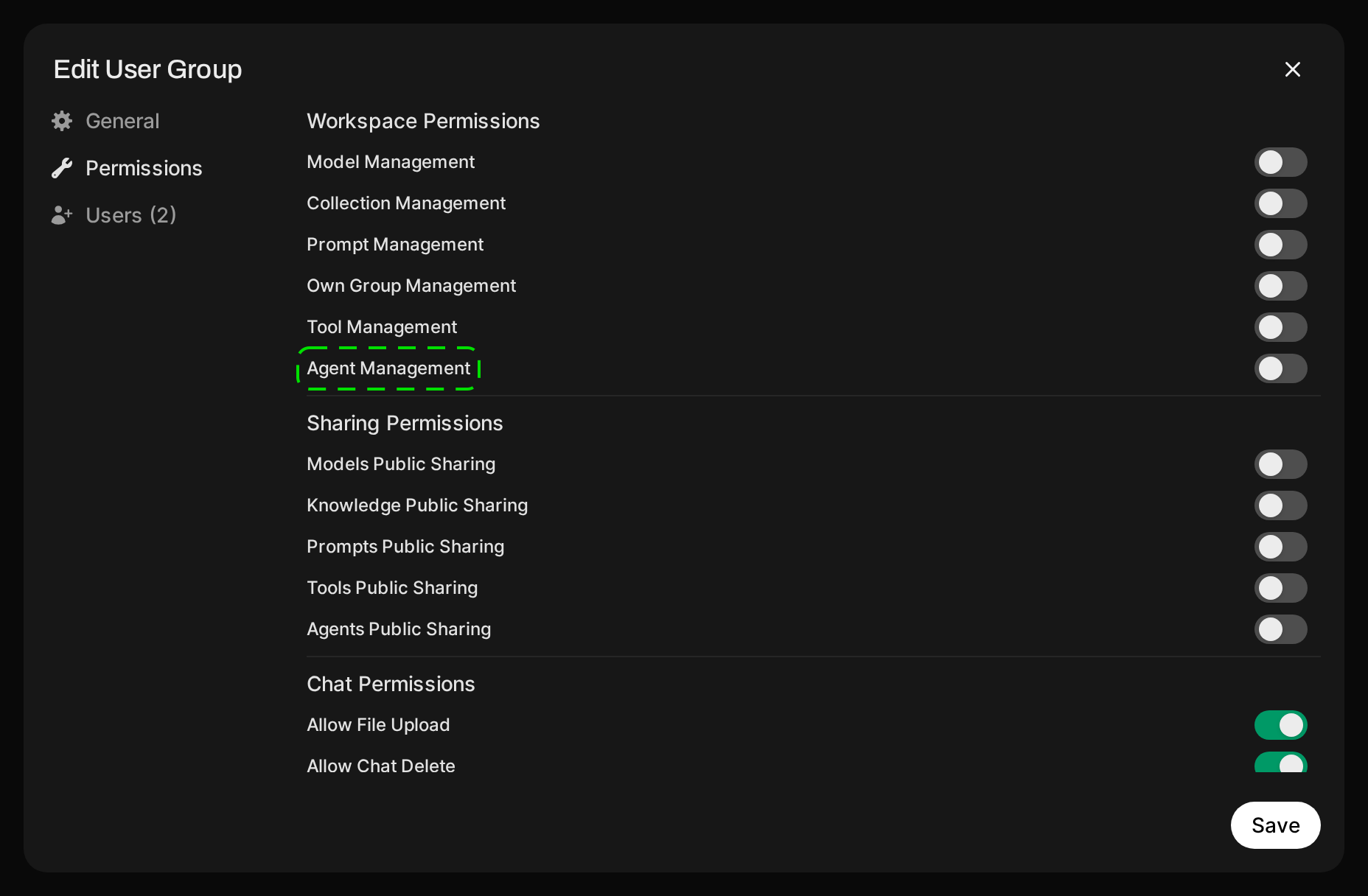
The two switches only appear when building custom agents is available to you. A user can build agents in a Space if they are a Space Owner there, or if at least one of their groups in that Space (or the Space’s default permissions) has Agent Management enabled.