
Customizing Smartchat
Open your personal settings for Smartchat and the interface via the profile icon in the top right.
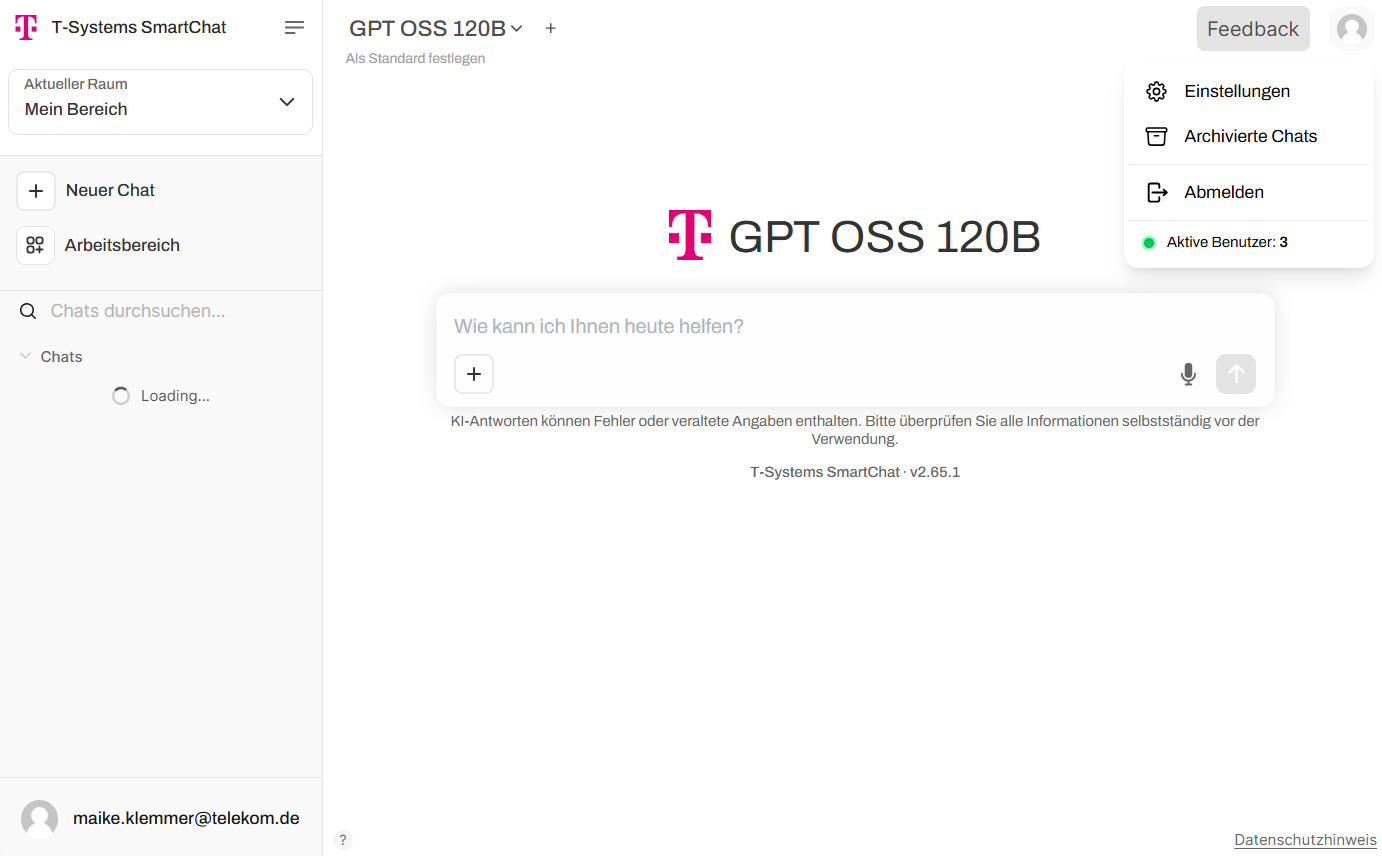
General profile settings
Section titled “General profile settings”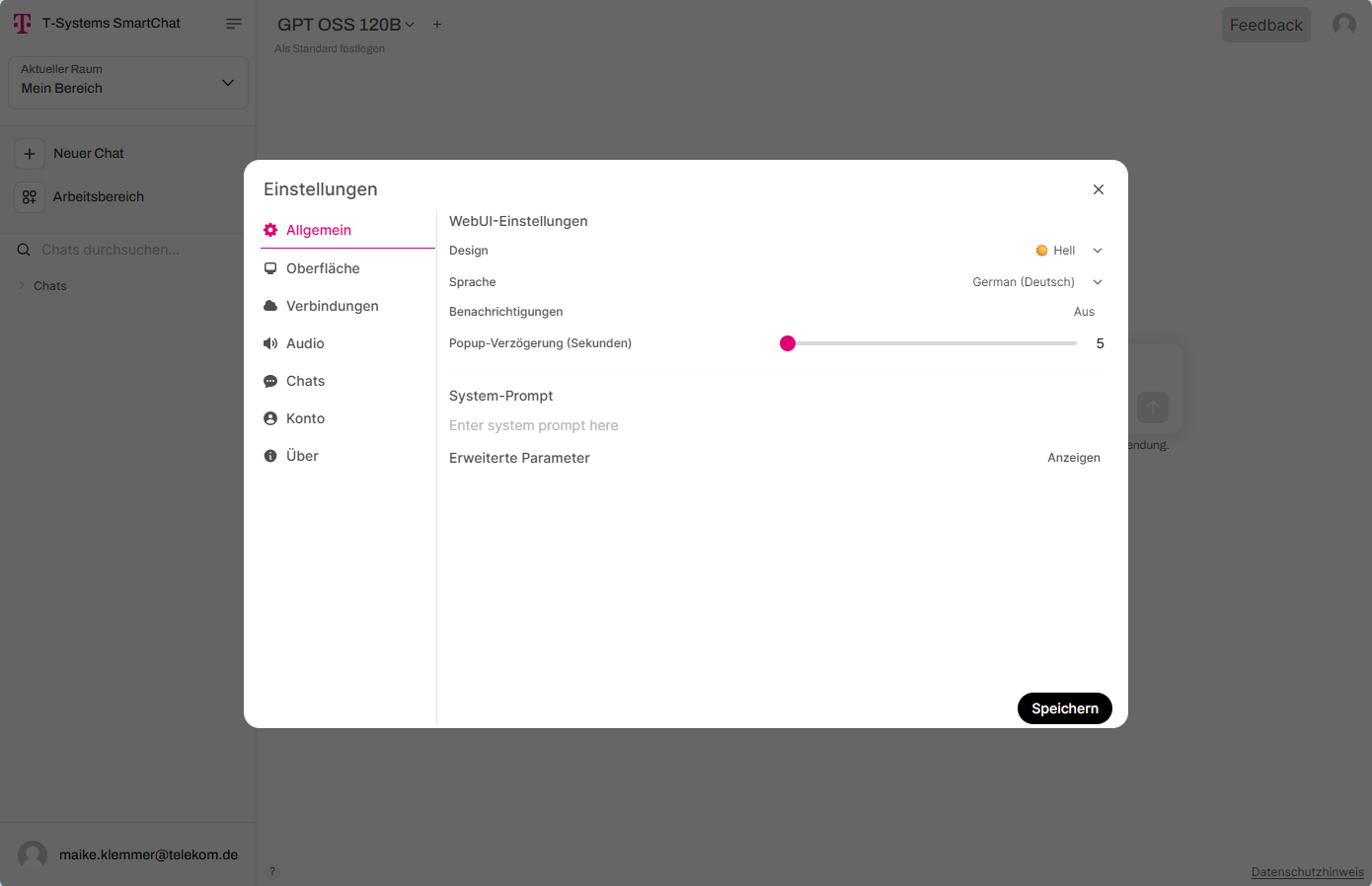
The general settings allow you to configure the user interface:
- Theme — Light/dark mode
- Language
- Notifications — enable/disable
- Popup delay — how long popup windows remain visible
- General system prompt — always active across all chats (e.g. “Always respond in bullet points.”). See System Prompt for important caveats before using this.
- Advanced parameters — should only be adjusted when specifically needed
Customizing the chat dialog
Section titled “Customizing the chat dialog”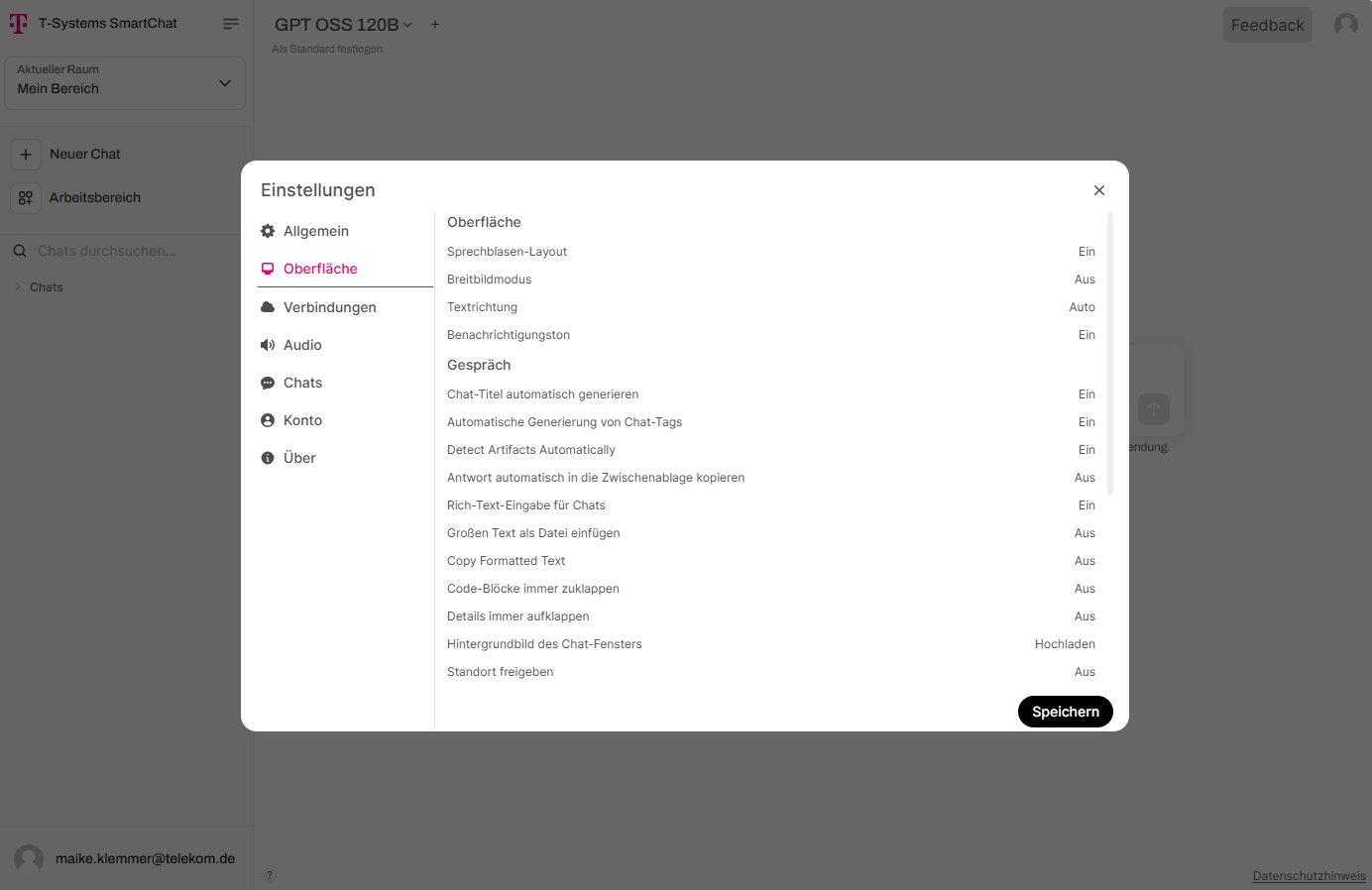
The interface settings let you configure the default parameters for the chat dialog. Options are grouped into Interface, Conversation, Voice, and File.
For example, under Interface > Text direction you can set whether text direction is left-to-right, right-to-left, or automatic.
Audio & speech settings
Section titled “Audio & speech settings”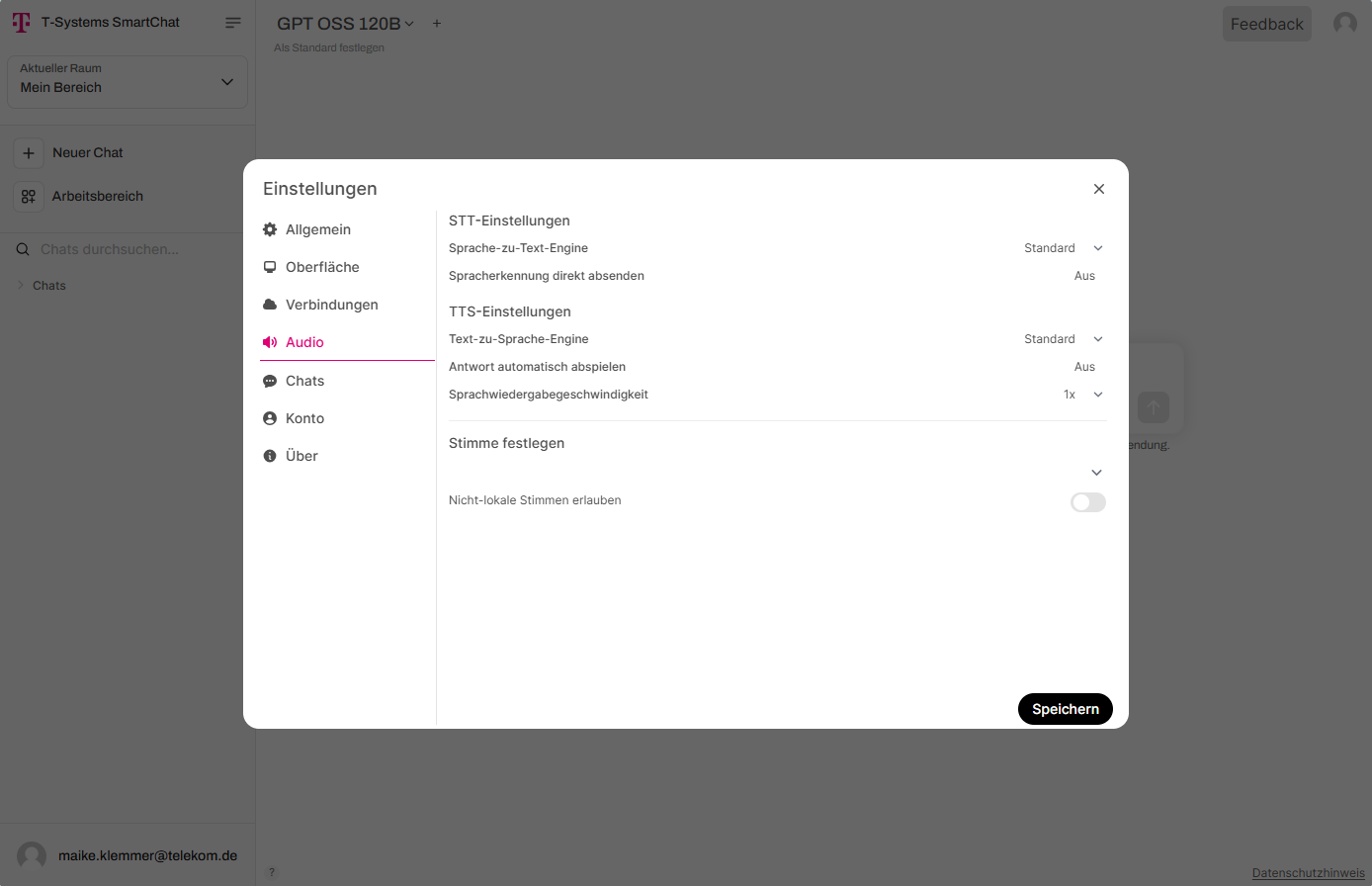
The audio settings let you configure audio input and output:
- STT (Speech-to-Text) — convert speech to text
- TTS (Text-to-Speech) — convert text to speech