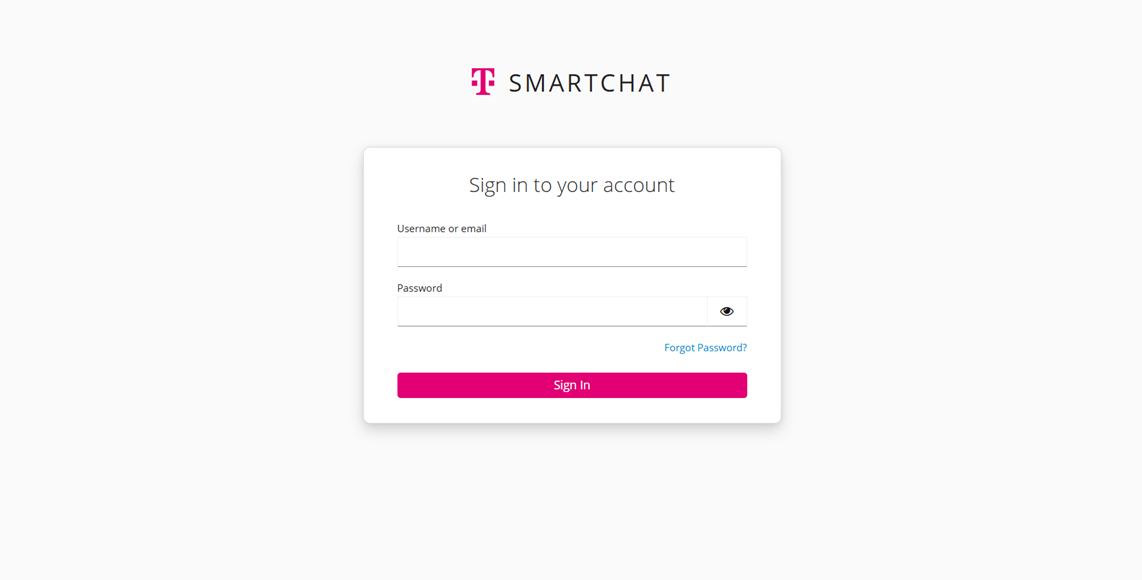
Getting Started
Registration & Login
Section titled “Registration & Login”If available, please log in using your company’s Single Sign-On (SSO). Otherwise, follow the instructions below.
Registration
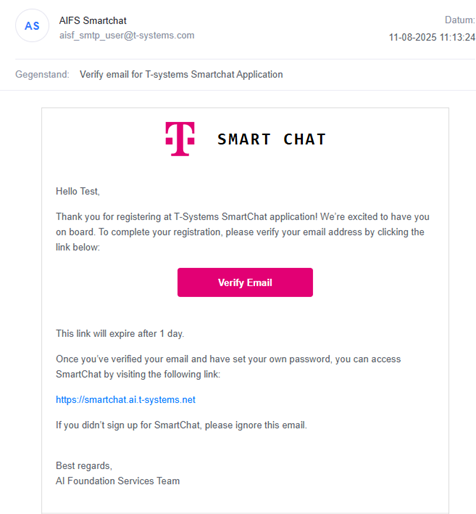
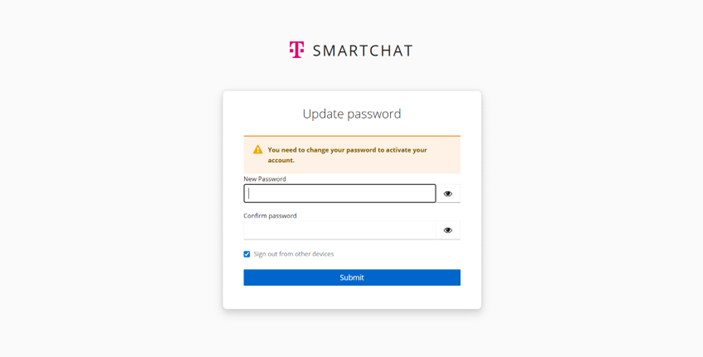
Section titled “Registration”An application owner must create a user account via the Admin Panel. You will receive an email with a verification link. Please check your email and use the “Forgot Password” option to create a new password. Your new password must contain at least 16 characters.
Log in with your email address and password, or use your company SSO.