
Deep Dive
Deep Dive is Smartchat’s in-depth research mode, equivalent to what other AI chatbots call “Deep Research”. Instead of a single LLM response, Deep Dive runs a multi-step research agent that reads through your Space’s documents, synthesises findings, and writes a structured report complete with sources.
Requirements
Section titled “Requirements”You need two things to use Deep Dive:
- Focus tester group membership: your account must be part of the Deep Dive focus group. Contact the AIFS team if you don’t have access yet.
- Deep Research permission: a Space Owner or admin must enable the Deep Research permission for your group in that Space’s settings.
How Deep Dive works
Section titled “How Deep Dive works”Spaces only
Section titled “Spaces only”Deep Dive only works inside a Space. It is not available in My Space. It searches all documents in the Space you currently have open. You cannot restrict which documents it uses; it always searches the full Space knowledge base. If you need answers from a different knowledge base, switch to that Space before starting a run.
Your settings are set aside
Section titled “Your settings are set aside”Model selection, reasoning effort, and any system prompt configured for the Space do not affect a Deep Dive run. The agent uses its own dedicated research model to ensure consistent, reliable results. Only your direct research question influences what it does. Nothing changes for your regular chat.
How often can I use it?
Section titled “How often can I use it?”During the preview period, each user has:
- 5 runs per day: the toggle shows how many you have used out of your daily total (e.g.
0/5). - 2 concurrent runs: you can have up to two Deep Dive runs active at the same time across all your chats.
Daily runs reset at midnight.
Starting a Deep Dive
Section titled “Starting a Deep Dive”
- Open a Space (Deep Dive is not available in My Space).
- Toggle Deep Dive in the message input area before sending your message. The toggle shows how many runs you have used today.
- Type your research question and send it.
Approving the research plan
Section titled “Approving the research plan”After receiving your question, Deep Dive proposes a refined research question for your review before doing any work. The status indicator shows “Awaiting approval”. You have three options:
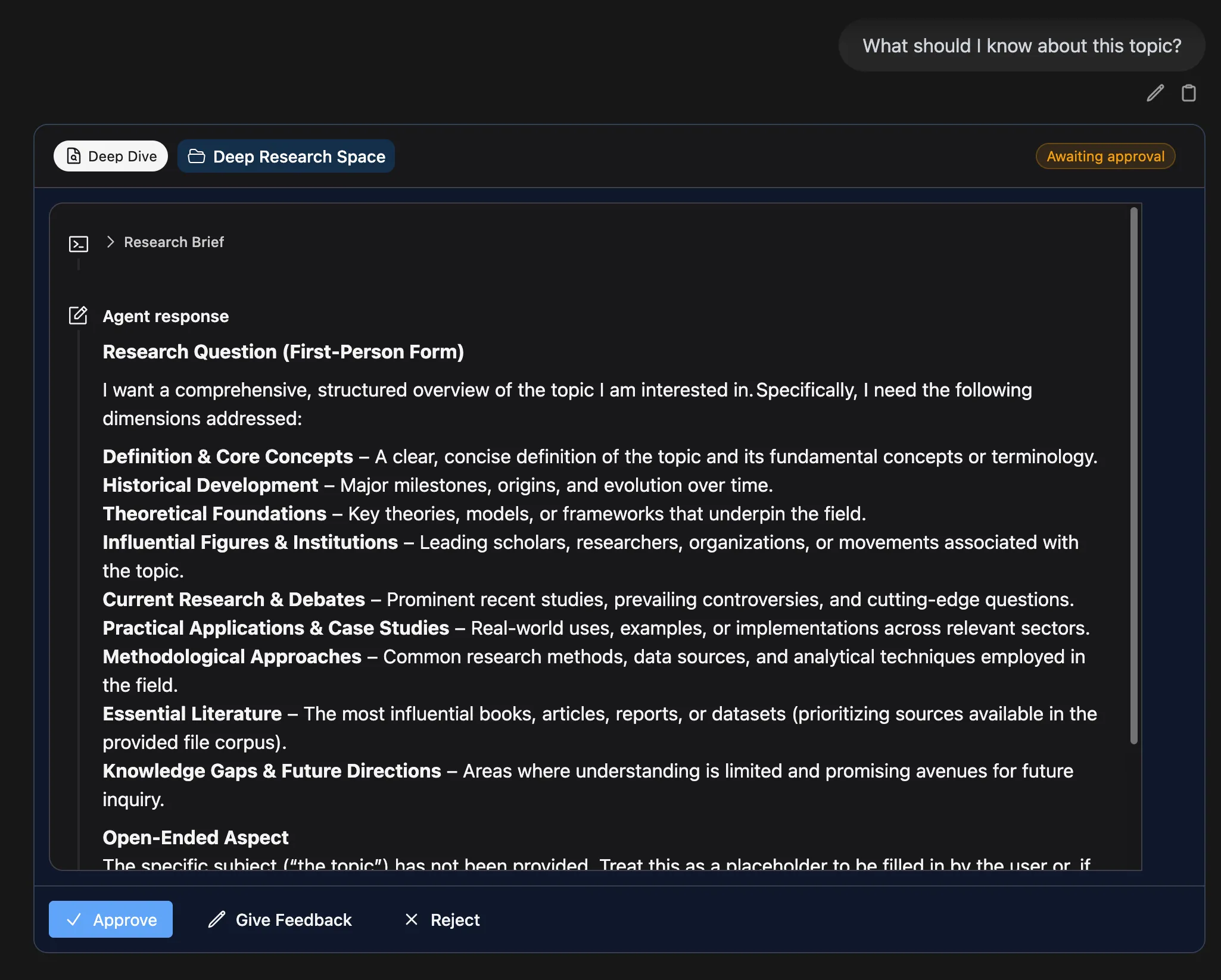
| Action | What happens |
|---|---|
| Approve | The agent starts working immediately. |
| Give Feedback | Opens a text field where you can describe what to change. The agent revises the research question and asks again. |
| Reject | Cancels the run. No quota is consumed. |
The agent will not start working until you approve. If you close the chat while it is awaiting approval, the run stays paused until you return and respond.
While the agent is running
Section titled “While the agent is running”Once approved, the agent runs in the background. You will see:
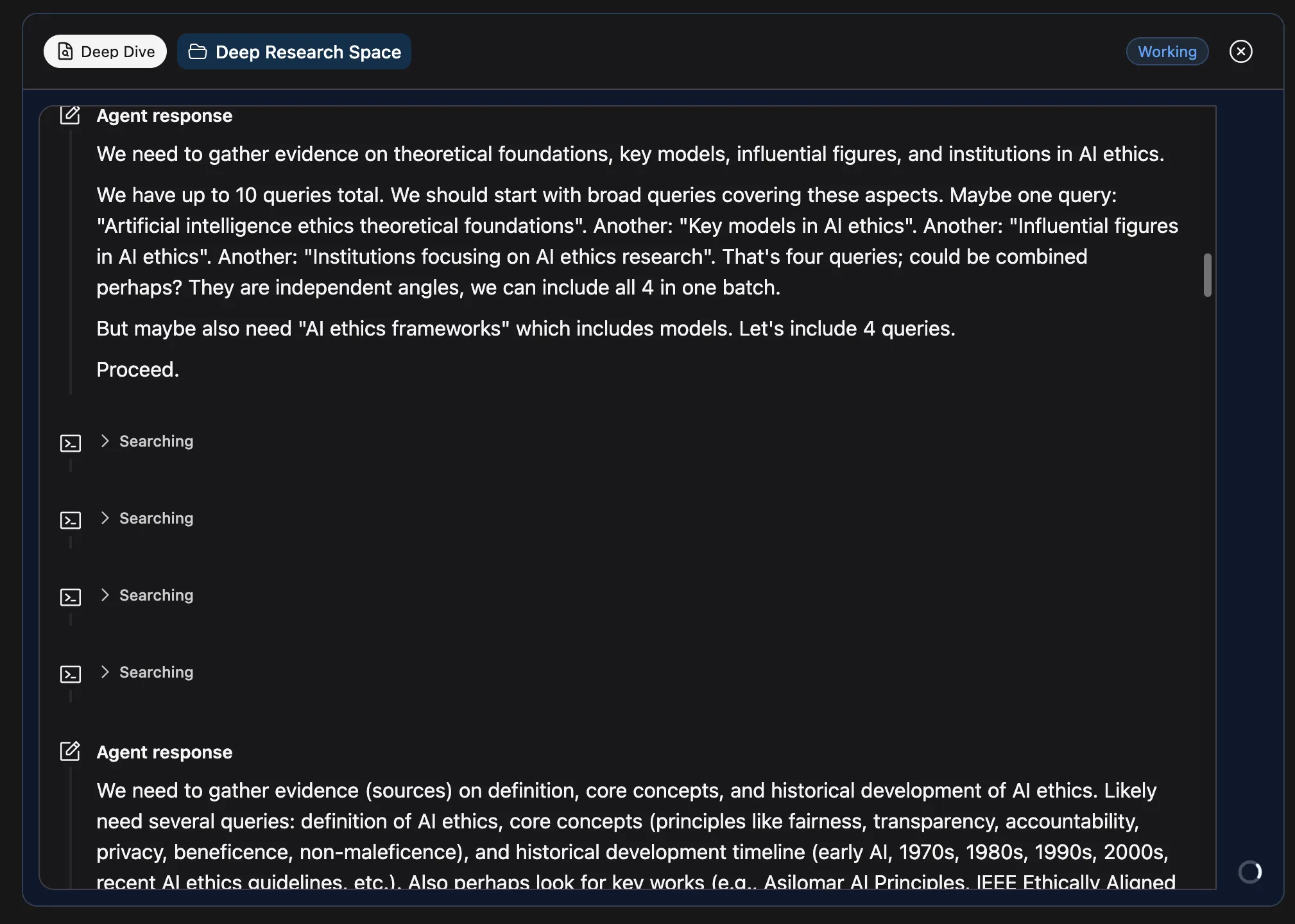
- A spinner in the bottom-right corner of the chat.
- The status indicator in the top-right corner of the agent message showing “Working”.
- Live updates streamed into the chat as the agent works, including documents it finds along the way.
You can close the chat or switch to a different chat and the agent will keep running. Come back to the same chat to see the final report when it is done.
The research report
Section titled “The research report”When the run completes, the status changes to “Completed” and the agent delivers its findings as a formatted Markdown report with:
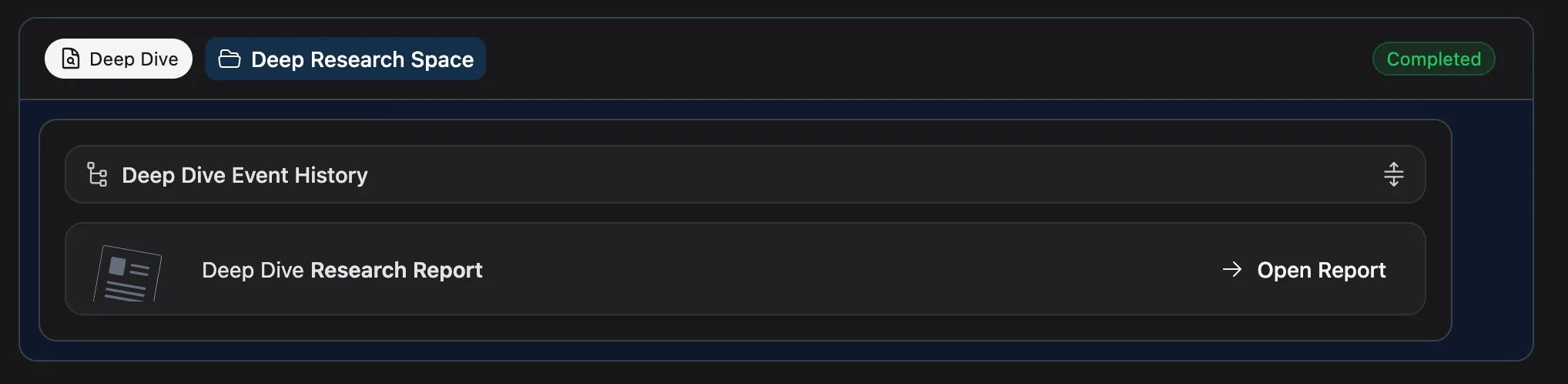
- Inline citations: every claim links back to the source document.
- Downloadable report: export the full report as a file.
The report is added to the chat history like a regular message. You can ask follow-up questions in the same chat afterwards. Follow-ups use regular chat mode and will not trigger another Deep Dive run unless you toggle Deep Dive again.