Using Multiple Models Side by Side
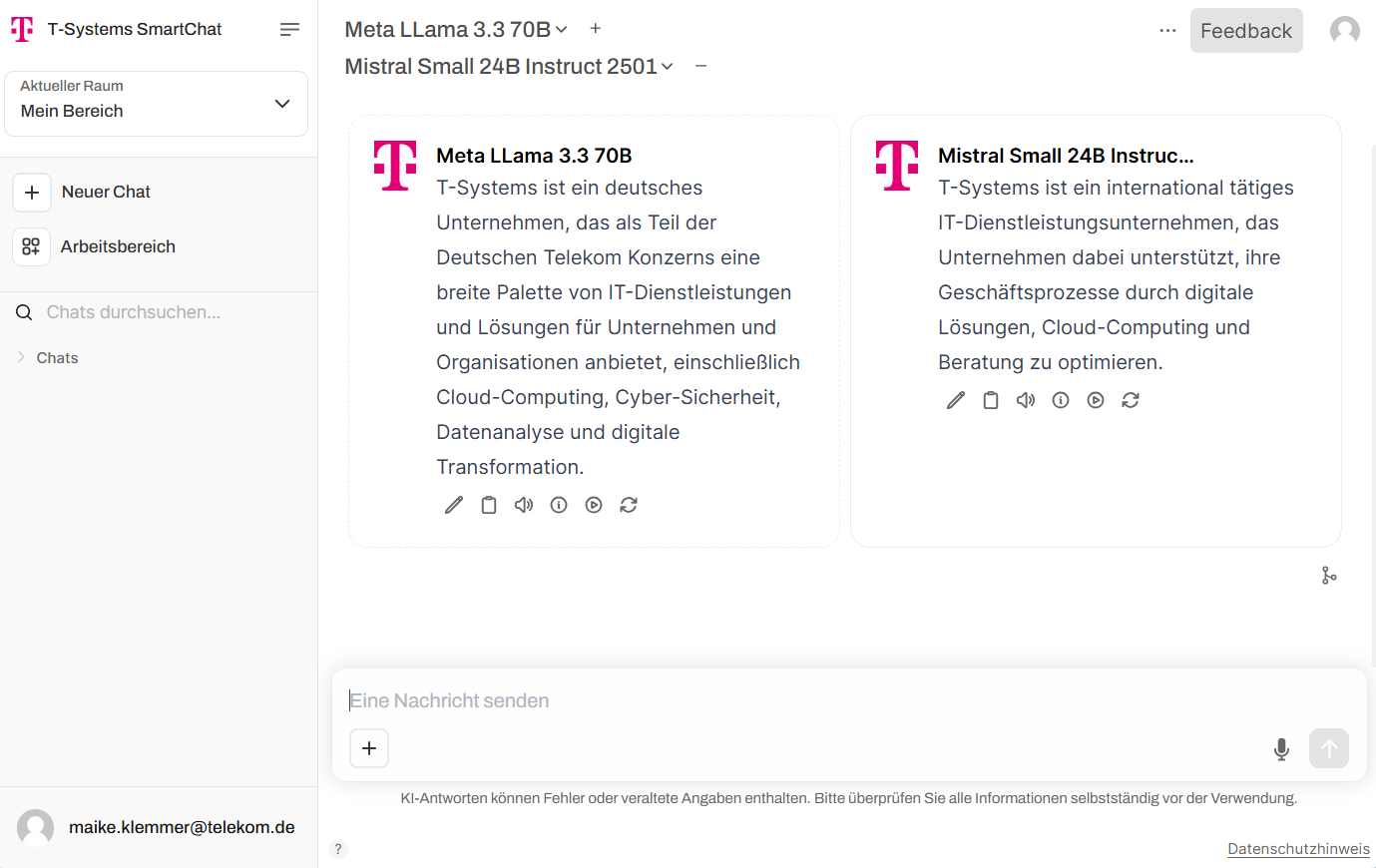
In each chat, you can choose which of the available language models to use. In addition to a single model, you can interact with two or more models simultaneously in a multi-model chat to compare and combine their responses.
Selecting multiple models
Section titled “Selecting multiple models”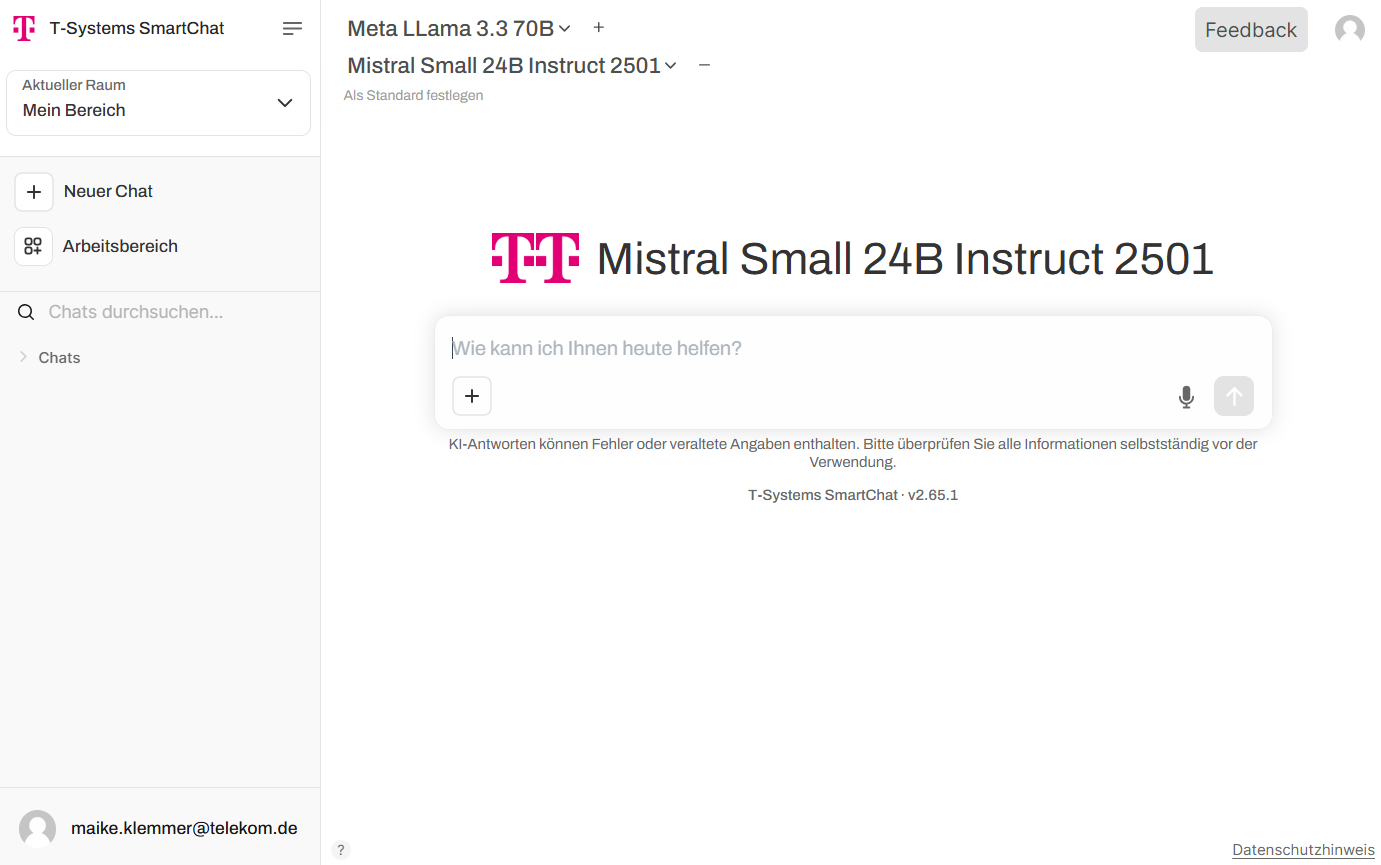
Click the plus button next to the currently selected model to add an additional model. All inputs will now be answered by both models in parallel. This feature is useful for comparing different AI models, cross-checking responses, or gathering different ideas for a specific task.
Combining responses
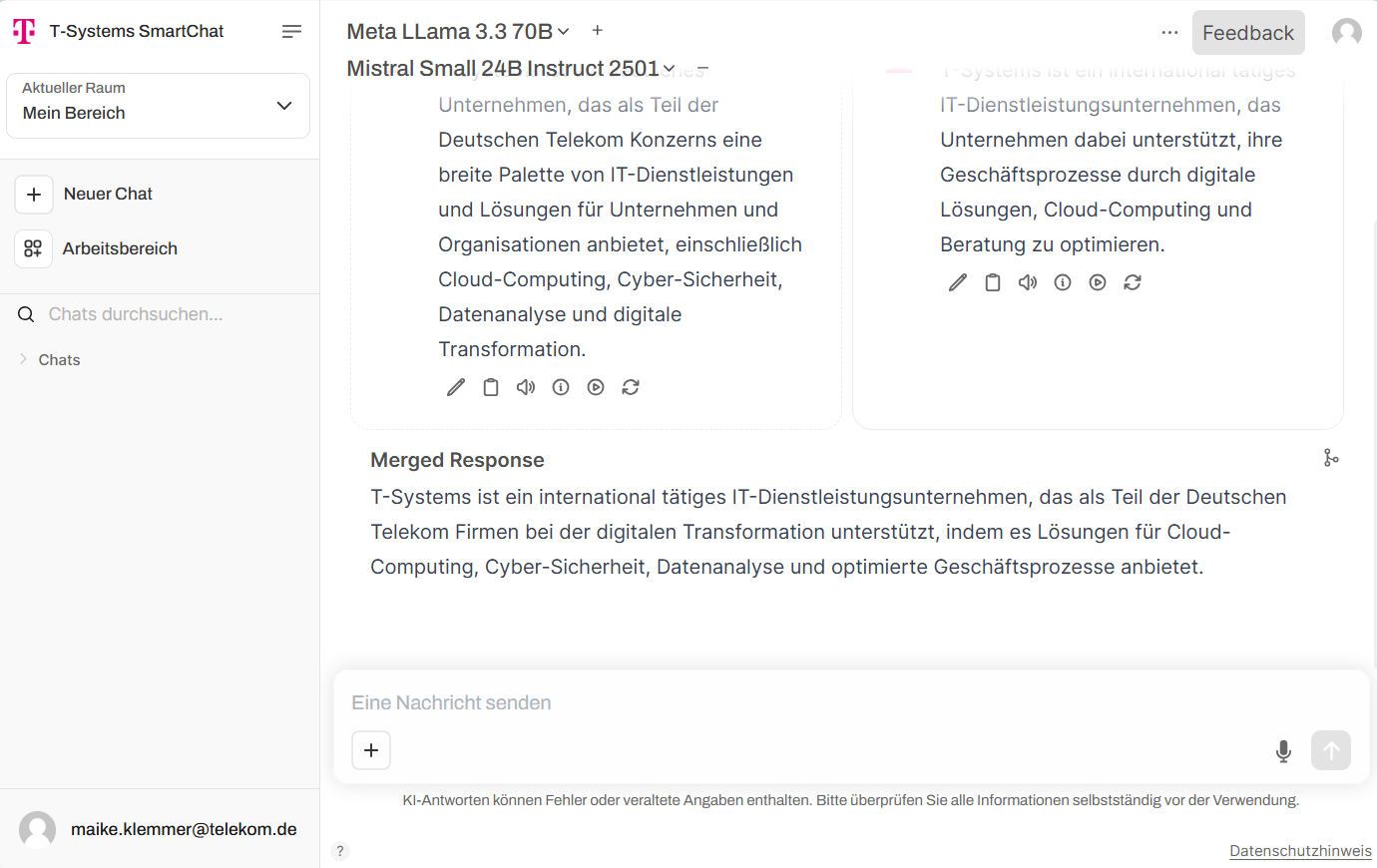
Section titled “Combining responses”When using multiple models, responses can be merged into a single combined answer using the branch icon on the right side.